There are many different websites that may be helpful for teachers when trying to teach visual learners. Some websites allow users to create charts and graphs; others are useful for creating presentations. Three websites that I found useful for creating a visual element to a lesson on marine life were http://prezi.com, https://bubbl.us/, and http://www.visuwords.com/.

I created this presentation using Prezi. Each circle is labeled and when clicked on displays information on each topic. This could make it easier for a visual learner because each slide contains information realting to the specific topic that is labeled. The learner will only see small amounts of information at a time, instead of seeing everything at once.
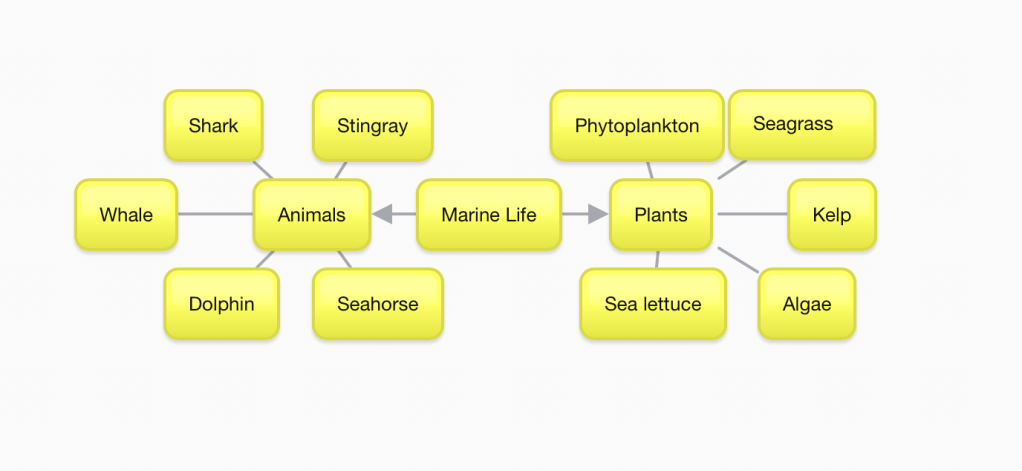
I created this using Bubbl.us. I added a rectangle with the main topic in the middle. The middle rectangle then branches out to two different topics. Each of the topics then connects to several other rectangles. This map could make it easier for a visual learner to see and place each item into a group or category.
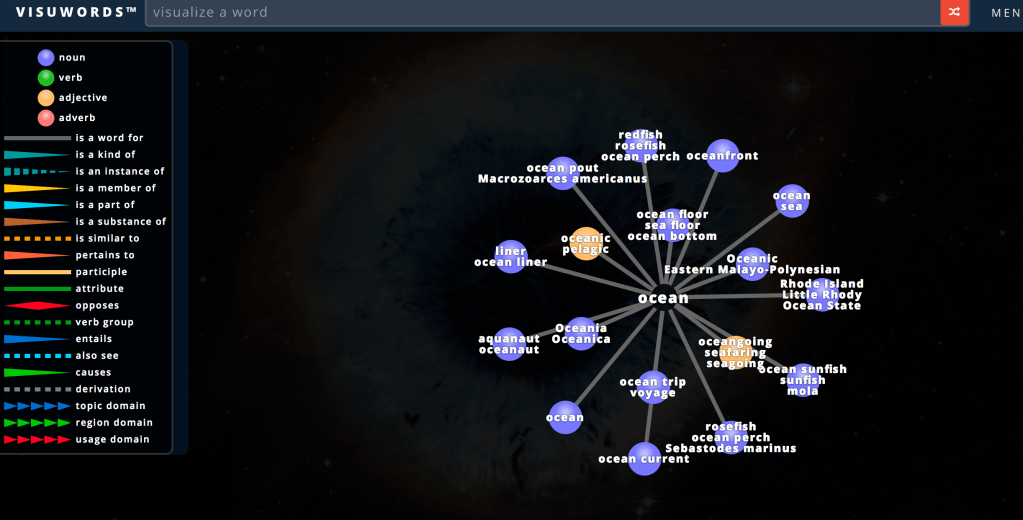
I found this on Visuwords. This site allows the user to type in a word and then shows a map of related words. This could be helpful to a visual learner because it sorts related words and includes a key on the left side. When the mouse is over any of the words on the screen, the definition of that word appears.
 Kara's Blog