I created a Prezi on cognitivist learning theory.
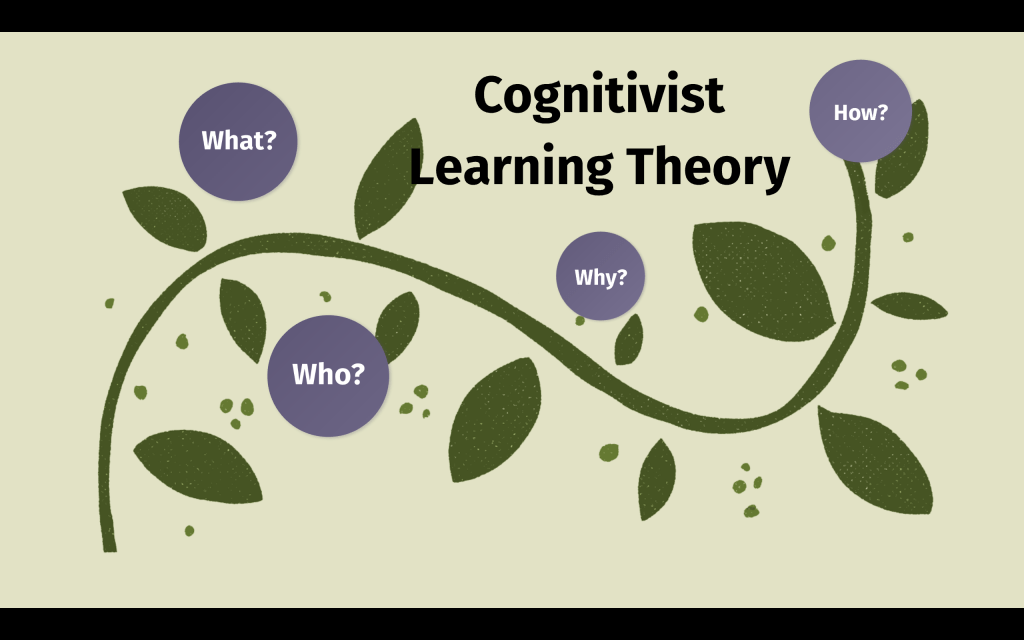
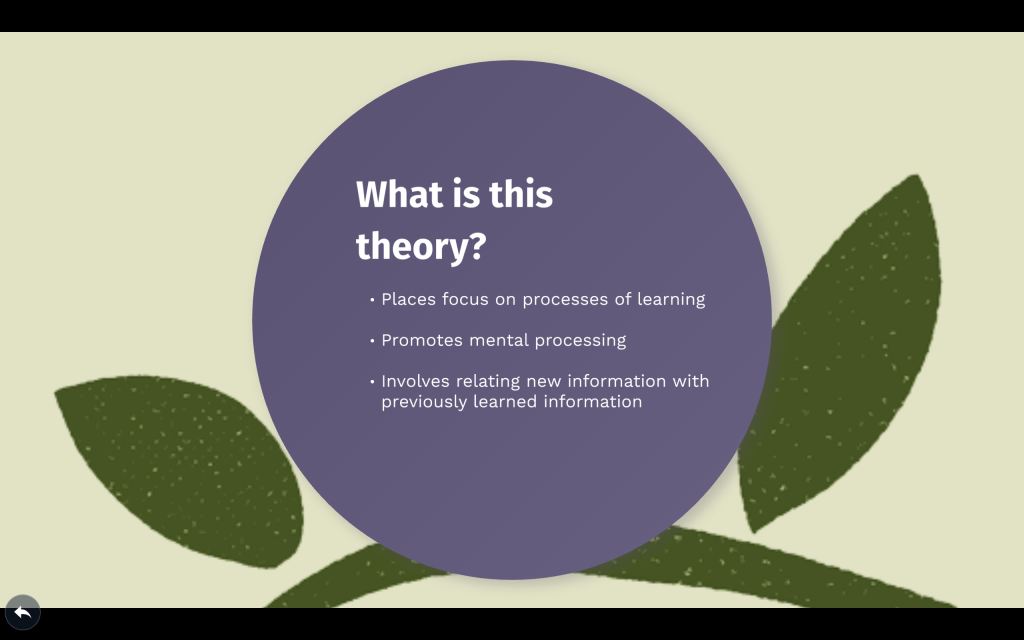

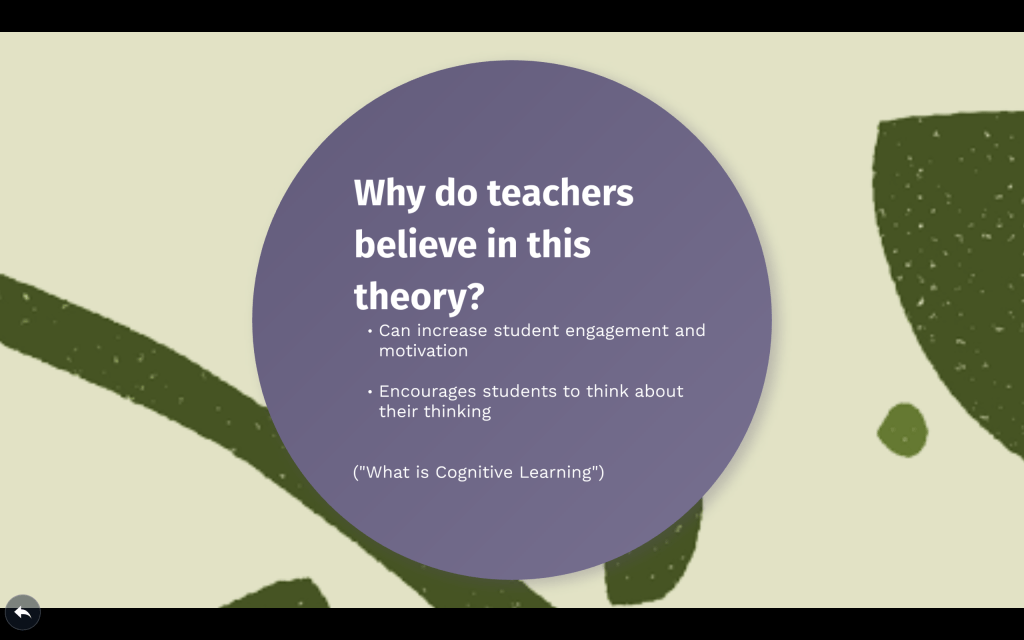
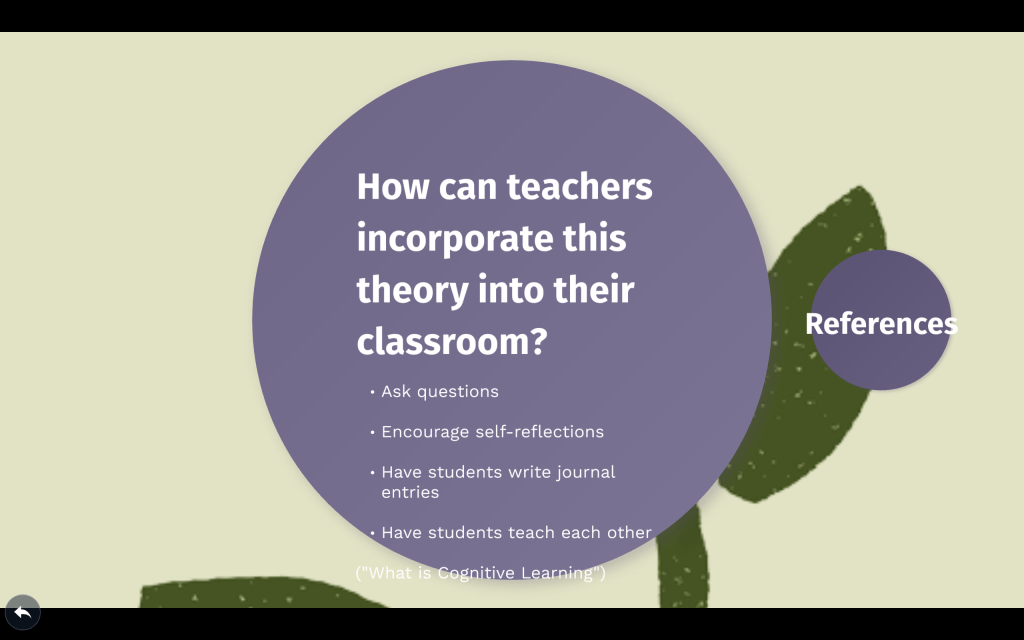
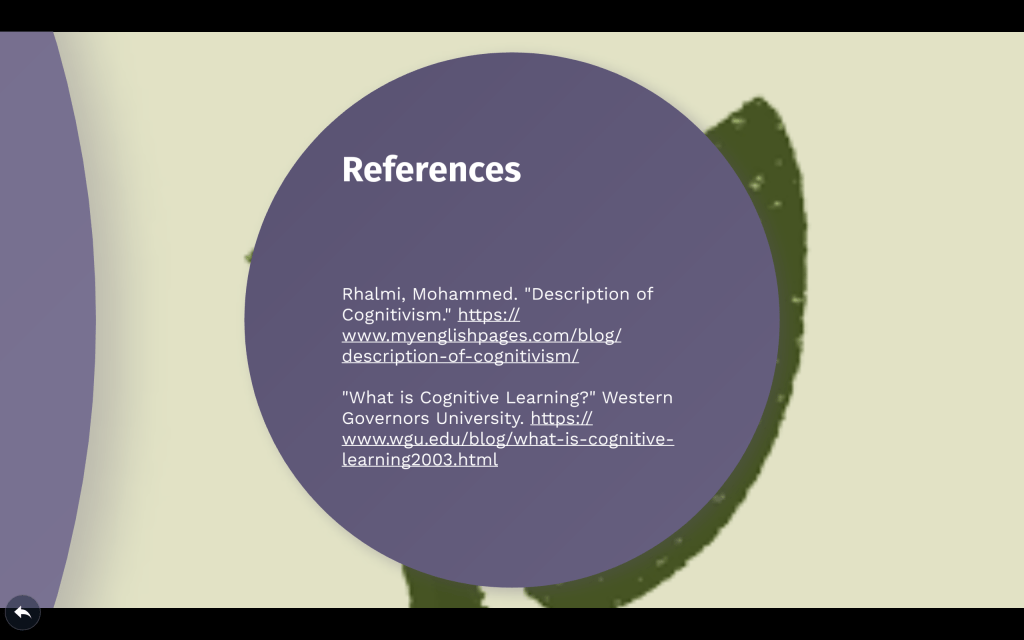

There are several different types of learning methods. Three of the most common learning theories include the behaviorist learning theory, cognitivist learning theory, and constructivist learning theory. Out of the behaviorist, cognitivist, and constructivist learning theories, the one that I most identify with is the cognitivist learning theory. I identify most with this theory because it focuses more on the processes of learning rather than behavioral outcomes. While the cognitivist learning theory does stress the importance of observable behaviors, it promotes mental processing as well. The cognitivist learning theory also involves the significance of prior knowledge. When students are learning, they are relating the new information with information that they have previously learned.
An activity for a preschool classroom that incorporates methods that are associated with the cognitivist learning theory is sorting and classifying. Children can sort items by type, color, size, or shape. This activity encourages logical thinking and focuses on the process of learning. Children can also apply their prior knowledge when completing this activity. Students may already know different colors or shapes and be able to identify different sizes and sort by type. One item for the children to sort is buttons. Each child could receive a handful of buttons and sort them by color, size, shape, or the number of holes in the button. A mathematical component can also be added to this lesson by having the students count the number of buttons in each pile. Sorting and classifying are both important areas for preschoolers to develop. The cognitivist learning theory can help in developing those areas.

The New Jersey Core Curriculum Content Standards are an important tool for teachers to use when planning lessons. Here are four technology activities for preschoolers that I planned using the technology standards:
Standard 8.1 Educational Technology: All students will use digital tools to access, manage, evaluate, and synthesize information in order to solve problems individually and collaborate and to create and communicate knowledge.
Indicator 8.1.P .A.1 Use an input device to select an item and navigate the screen.
Grade P
Activity: Students will complete a digital scavenger hunt to learn the basics of using a mouse and keyboard. The students will have to find a specific item on the screen and click on that item using the mouse. Students will also be asked to search for specific keys on the keyboard and to press that key.
Indicator 8.1.P .A.3 Use digital devices to create stories with pictures, numbers, letters and words.
Grade P
Activity: Students will first come up with a story. The students will then use a camera on a tablet to take photos of items around the classroom to include in their story. The students will put together their story using a tablet. With assistance from the teacher, the students can write, type, color, draw, and add photos to their stories.
Indicator 8.1.P .B.1 Create a story about a picture taken by the student on a digital camera or mobile device.
Grade P
Activity: Students will each take a photo using a digital camera. The class will be brought around the school to search for something that they wish to take a photo of. The photo can be of anything inside or outside of the school. The photos will then be randomly assigned to the students and each student will write a story using the photo that they received. The students can be creative and make their story about anything that relates to their photo.
Indicator 8.1.P .C.1 Collaborate with peers by participating in interactive digital games or activities.
Grade P
Activity: Students will work in groups. Each group will receive a tablet. The students will play games on the tablets with their groups. The tablet will have several preschool appropriate games for the children to choose from. The students must work together in playing their games. When the children finish playing their games, they can come up with their own activity that involves using the tablet. For example, they may take photos or draw using the tablet as long as everyone in the group takes part.
“What We’re Getting Wrong About the Technology in Schools Debate” by Keith Heggart is an article about technology in schools but with a slightly different approach. Many articles on this topic will discuss the pros and cons of technology in education; this one does not. There are 5 rhetorical questions in the article which include the following:
-A school principal banned laptops from being used in the classrooms in his school. He stated that they were distracting students from learning. Is there truth in his argument?
Technology can certainly distract students in school but it can also be beneficial.
-If the author of the article is not going to argue about whether technology can improve test scores or academic achievement, what is the point of his article?
The author states that the point of his article is that that is the wrong argument to be having about technology in schools. There isn’t much of an argument there as technology already plays such a big role in our lives.
-How should we use technology?
Schools can incorporate technology into the classroom when appropriate or necessary. Technology can be a useful tool in education. Using technology can be an aid in the learning process for students. Teachers can use technology to go along with the lessons that they are teaching.
-Shouldn’t schools teach students how to use technology effectively since it is such a big part of our lives?
Schools should teach students how to effectively use technology. Since our society relies on technology for many things, it is important for students to know how to use it. Since students are taught things that are supposed to help them be useful citizens, learning how to use technology should also be taught.
-Why shouldn’t students be taught how to use technology safely?
It is extremely important to teach students how to correctly and safely use technology. The author of the article argues that students should be taught more than just the basics of using technology.
It is significant for schools to teach students things that they will need to know for their future. Teaching students how to use technology is something that will aid them in the future. Technology plays such a big role in society so it is crucial that students are taught technology-related skills in school. Technology can be incorporated into the classroom when appropriate. It can be useful in teaching students about both the lesson and using technology.
The governor of New Jersey set aside $2 million for advanced computer science programs in high schools in the state. It’s great for students to have the opportunity to take an advanced computer science course. The importance of technology in society continues to grow which makes it extremely important to teach the future generations about technology. Some students do very well and are extremely interested in computer science so giving them the opportunity to expand their learning is a great idea. There are several wesbites that students can also use to expand their learning.
Code is a website that is for all ages. There are various options for different ages and skill levels. I like that the options are relevant to things that kids like. I also like that it is free for students to learn using this website. I don’t like that there are no programs offered in person.
CoderDojo is a website that can be used to locate coding programs. The website also gives the option to sign up as a volunteer. If there is no program offered near you, it is possible to start one. I like that the program is run by volunteers. I don’t like that the programs are only for children ages 7 to 17.
Tynker is another coding website that is available for students ages 5 and up. I like that there is the option for kids to play online as well as the option to start a coding camp. Tynker provides everything that one may need to start their own coding camp or class. I don’t like that Tynker costs money while the other websites are free.
Codecademy is a different coding website. Like Tynker, Codecademy also offers an advanced plan that costs money. I like that it offers a variety of courses. I don’t like that the website is not as easy as the others to navigate.
The ISTE Standards for Students help to prepare learners for their future. Educators can use these standards to plan lessons for their students. Each of the different standards is vastly important. I feel that these standards are good for educators to use when planning their lessons. One of the standards is titled “Creative Communicator.” This standard states that students will clearly communicate and creatively express themselves using technology. I like this standard because I love to encourage creativity in students. Three learning activities that follow this standard are:
ThingLink is a website that allows students and teachers to create interactive photos and videos. I created a ThingLink about farm animals for preschool students. Children can click on each animal and hear the sound that that animal makes. I created this ThingLink by first adding the image of the farm animals. Next, I added the audio of the recorded sound of each animal. This was my first time using ThingLink and it was very easy to use. After adding an image, there are several options to add to the image such as videos, audio, and text.
Some may debate whether teaching is an art or a science. Teaching is both an art and a science. Teaching is an art because just as artists have different styles, teachers also have different styles. Each artist and each teacher finds what style works for them. Also, teachers choose their materials and methods similar to how artists choose their materials. Both teachers and artists are intentional in their choices. Teaching is a science because teachers use research-based methods to teach their students. Teachers may also experiment with new ideas and techniques to see how their students respond. Teachers observe their students and use those observations to create assignments and maybe even change their strategies. They create and test hypotheses in their classroom and evaluate the results. Teachers also collect data on their students. Teaching requires the combination of elements from both art and science.
The Department of Education’s Office of Educational Technology provides a lot of information about technology and education on their website. Some of their priorities include privacy, open education, and professional learning.
Privacy
The privacy of students and educators is extremely important. The Department of Education’s website provides several resources on the importance of that privacy as well as information on how to ensure privacy. The following links are included:
Open Education
Open education ensures that learning materials are made available copyright law restrictions or any other barriers. This allows educators and students to freely use and share the resources. A video on how schools transformed to open education is included:
How Williamsfield Schools Decided to #GoOpen
Professional Learning
Technology can enable teachers to extend learning outside of the classroom. It can also allow teachers to collaborate with students, families, and other educators. In order for this to occur, schools must provide the resources and support for educators. The following video was included as well as several other informative documents:
There are many different websites that may be helpful for teachers when trying to teach visual learners. Some websites allow users to create charts and graphs; others are useful for creating presentations. Three websites that I found useful for creating a visual element to a lesson on marine life were http://prezi.com, https://bubbl.us/, and http://www.visuwords.com/.

I created this presentation using Prezi. Each circle is labeled and when clicked on displays information on each topic. This could make it easier for a visual learner because each slide contains information realting to the specific topic that is labeled. The learner will only see small amounts of information at a time, instead of seeing everything at once.
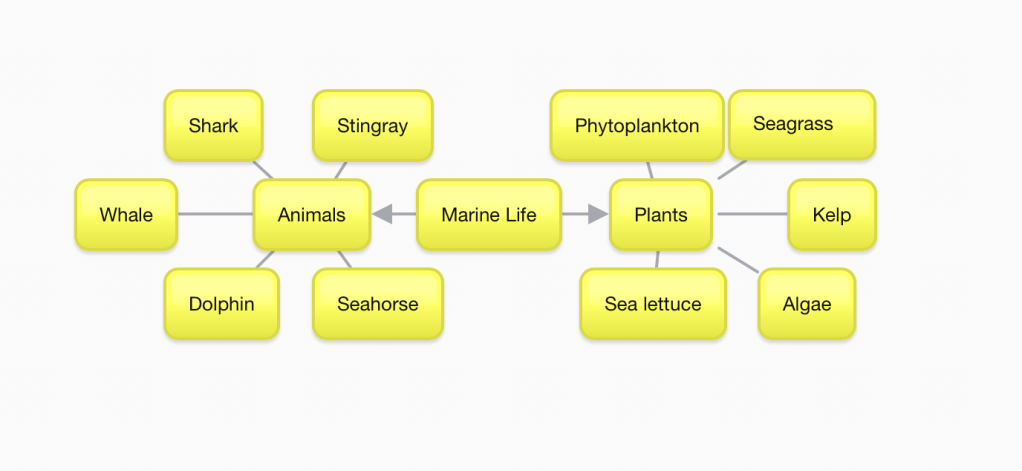
I created this using Bubbl.us. I added a rectangle with the main topic in the middle. The middle rectangle then branches out to two different topics. Each of the topics then connects to several other rectangles. This map could make it easier for a visual learner to see and place each item into a group or category.
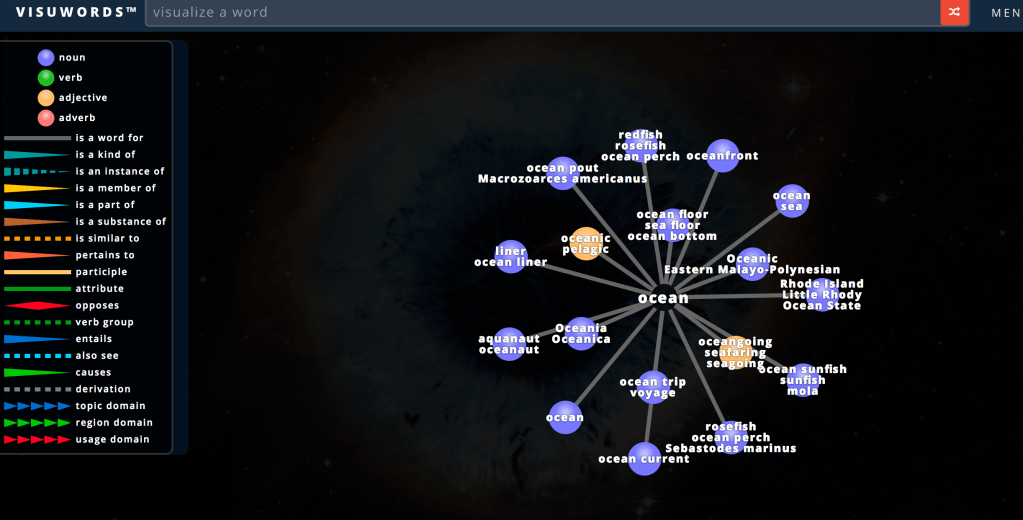
I found this on Visuwords. This site allows the user to type in a word and then shows a map of related words. This could be helpful to a visual learner because it sorts related words and includes a key on the left side. When the mouse is over any of the words on the screen, the definition of that word appears.

 Kara's Blog